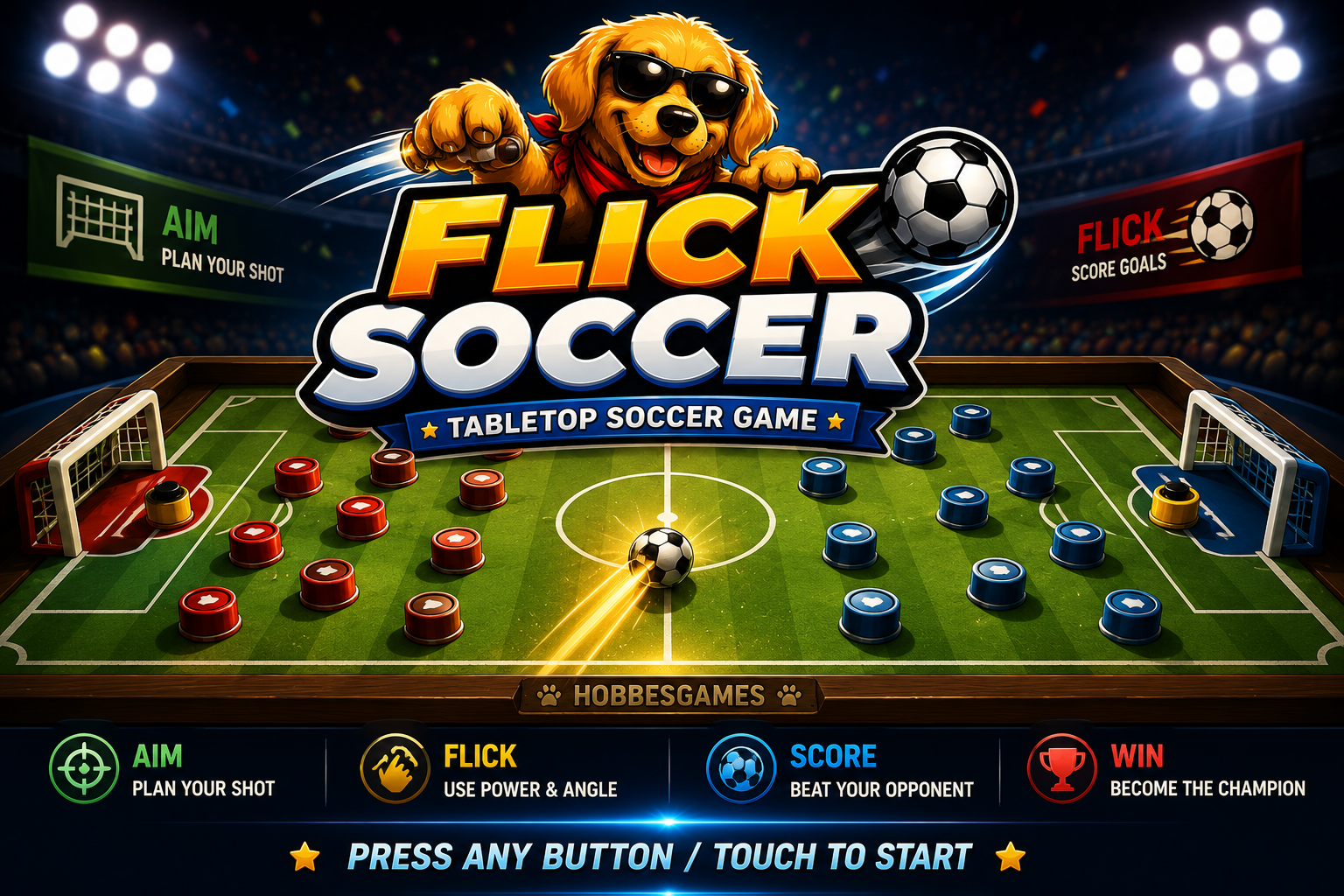
Flick Soccer
Choose your match, competition, editor, install tools, or version information.
Online Friendly
Create or join a private room with automatic disconnect detection, reconnect attempts, and online session recovery.
Player
Join Match
Match Lobby
Create a room or enter an existing code.
Waiting for both players to connect.
Phase 5.3 Stability
The host controls the match configuration. The guest only selects and confirms their own team, playing-piece colors and formation. The host cannot continue beyond Teams until that confirmation is received.
Version & Updates
Phase 5.3 - Connection Stability
Online Friendly now detects interrupted connections, pauses authoritative play, retries WebSocket connections automatically, and restores the latest room, setup or match state when a player returns.
Version Description
Version 1.2.3M refines Online Friendly after real-device testing: team names and player display names are shown separately, active online sessions can be explicitly exited without removing refresh recovery, selected custom team visuals and board customization are shared temporarily with the opponent, and physical goalpost rebounds/effects are now part of both offline and online matches.
Phase 3.9 Main Menu Notes
- The installed PWA now supports both portrait and landscape orientation.
- Mobile landscape uses a compact multi-column game dashboard designed to fit the full menu in one screen.
- Mobile portrait uses a compact two-column launcher while preserving scrolling as a fallback for small or accessibility-scaled screens.
- Mobile descriptions, status information, spacing, and footer content are condensed to prioritize game choices.
- Touch activation remains attached to the highlighted action control to avoid accidental menu launches while swiping.
- The in-game intro screen continues to use the approved full-screen Flick Soccer artwork.
- Approved Flick Soccer artwork is used as the installed app, home-screen, shortcut, and Apple touch icon.
- Independent manifest identity, splash behavior, and install experience.
- Offline-first application shell for gameplay, editors, competitions, images, and sounds.
- Dedicated
flicksoccer.hobbesgames.comdeployment configuration using relative paths. - Isolated local and IndexedDB save namespace with safe migration from the previous release.
- Clean service-worker updates with old Flick Soccer caches removed automatically.
Update Available
A new installed-app version is ready. Save your match first, then apply the update.
Backup & Restore
Export your local custom data before major updates, import a previous backup on this device, or restore default local data for testing.
Phase 3B • Competition Modernization
League Mode
Build a custom season using the same tabbed, arrow-driven setup language created for Friendly Match.
Create League Season
Add up to 30 teams. Use the same section flow as Friendly Match: Season, Teams, Rules, Review.
Season Setup
Choose the league size behavior and season length before building the team list.
Team Selection
Add teams without growing the page. The roster stays in a fixed game-style panel with pages.
Select a roster card to switch Human / COM. Use Remove to delete it.
League Match Rules
Configure the whole season in three focused rule groups. Each group fits on one screen.
League Review
Confirm the selected teams and match rules before creating the season.
Season Hub
League Overview
Use focused sections instead of one long page. Scrolling remains available only as a fallback.
Next Fixture
Top Standings
Recent Results
Fixtures
Only one round is shown at a time.Standings
Paginated to keep the table inside the screen.Season Statistics
Compact league-level performance summary.Recent Results
Match Management
Configure the next playable fixture and manage season progression.Phase 3B • Competition Modernization
Cup Mode
Create knockout or group cups using the same tabbed, arrow-driven setup language as Friendly Match and League.

World Cup 2026 Template
Official-style groups, group ranking, knockout bracket, and neutral World Cup field options.
Custom Cup
Create a custom cup with up to 64 teams. Use the section flow: Format, Teams, Rules, Review.
Cup Format
Select the tournament structure, team pool, and number of human players.
Team Selection
Use arrow selectors to browse teams, then add them to the cup. Tap/double-tap selected teams to switch Human/COM.
Select a roster card to switch Human / COM. Use Remove to delete it.
Cup Match Rules
Configure the tournament in three focused rule groups. Each group fits on one screen.
Cup Review
Confirm format, team count, humans, and match rules before creating the cup.
Tournament Hub
Cup Overview
Use focused sections instead of one long page.
Next Match
Tournament Status
Recent Results
Current Matches
Only the active tournament stage is shown.Recent Results
Group Standings
Used for group-stage cups and World Cup tournaments.Knockout Bracket
Track qualification and knockout progression.Match Management
Configure the next playable fixture and tournament progression.Phase 3.9 • Editor Workspace
Edit Teams & Boards
Customize one focused section at a time. Board customization is built directly into each team workflow, with scrolling preserved only as a fallback.
Team Editor Studio
Start by choosing whether you want to edit an existing team or create a new club. The available options below update according to that workflow.
Create Team Studio
Create a new club using the same modern editor structure as Edit Team: sections, live preview, arrow selectors, color studio, logo studio, and final review.
New Team Identity
Use the same identity layout as Edit Team. Enter the club display name, then select any available club continent and country/league, or save it in Created Teams.
Playing Piece Colors
Available Color Locker
COM Level Defaults
Set the default COM difficulty for this new team.
Board & Field Presets
Surface & Markings
Field Background Image
Default Formation
This formation will be auto-selected first in Match Setup.
Logo Studio
Import an optional emblem and configure how it appears at the center of the field.
Review Before Create
Phase 3.9 • v1.2.3M
Match Setup
Choose who plays, assign home and away, then configure the match one focused screen at a time.
Choose Players
Select who will control each side of the match.
Assign Home & Away
Choose who uses the home side. The other competitor automatically becomes away.
Choose Teams
Select each team, its playing-piece colors, and formation.
Home Team
Away Team
Stadium & Ball
Choose board, field, weather, effects and ball style.
Classic Wood / Normal
Clear weather • Effects ON
Gameplay Options
Enable assists, special shots, goalkeeper movement and sound using modern option cards.
Match Mechanics
Assistance
Presentation
Match Rules
Configure win condition, timer, fouls and cards. Border behavior remains selected in Stadium.
Review & Start
Confirm your selections before kickoff.
Show Rules
Drag from the ball backward, then release. The current team always shoots the ball from where it fully stops.
- Ball starts at center field.
- Teams alternate shooting.
- Play from where the ball comes to a complete stop.
- Goal only counts when the ball fully crosses the goal line.
- Borders OFF: ball out gives opponent the shot from the exit point.
- Borders OFF: 3 outs = yellow warning; next 3 outs = red.
- Borders ON: ball bounces and stays in play.
- Optional foul/card rules: touching/clicking an opponent piece creates fouls when enabled.
- Goalkeeper Movement Manual: before the shooter touches the ball, the defending opponent may move their own goalkeeper inside the goalie box.
- Goalkeeper Movement COM: the defending goalkeeper automatically reads shot lanes before the shot.
- Reactive COM Keeper: the goalkeeper reacts while the ball is traveling; reaction and speed depend on selected difficulty/options.
- Game Level affects COM goalkeeper reaction, prediction, mistakes, curve awareness, and bank-shot awareness.
- Player 2 can be Human or COM. In COM mode, Player 2 chooses an automatic shot using game level for timing, power, and accuracy.
- Manual foul rule: if the defender moves the goalkeeper after the shooter has touched the ball to start the flick, it is a red-card foul and penalty.
- Red removes one random active piece from the fouling player and resets that foul count.
Coin Toss
Choose Player 1's coin side. Player 2 gets the opposite side.